Body Compass Manual
Welcome to the short manual for the Body Compass.
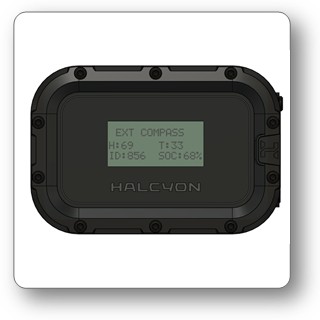
USPs
- Handsfree navigation (replacement of a navigation board)
- Wireless transmission of the heading to Handset or HUD
- The heading is the heading of the longitudinal body axis
- Automatic toggeling between dive-computer-internal compass and external Body Compass (when the diver is in +-45° trim, the heading of the Body Compass is displayed.
Background
Undernavigation is a challenging task, due to the lack of reference points, limited visibility and lack of electronic aids like GPS. The diver is holding a compass aligned with their longitudinal body axis.
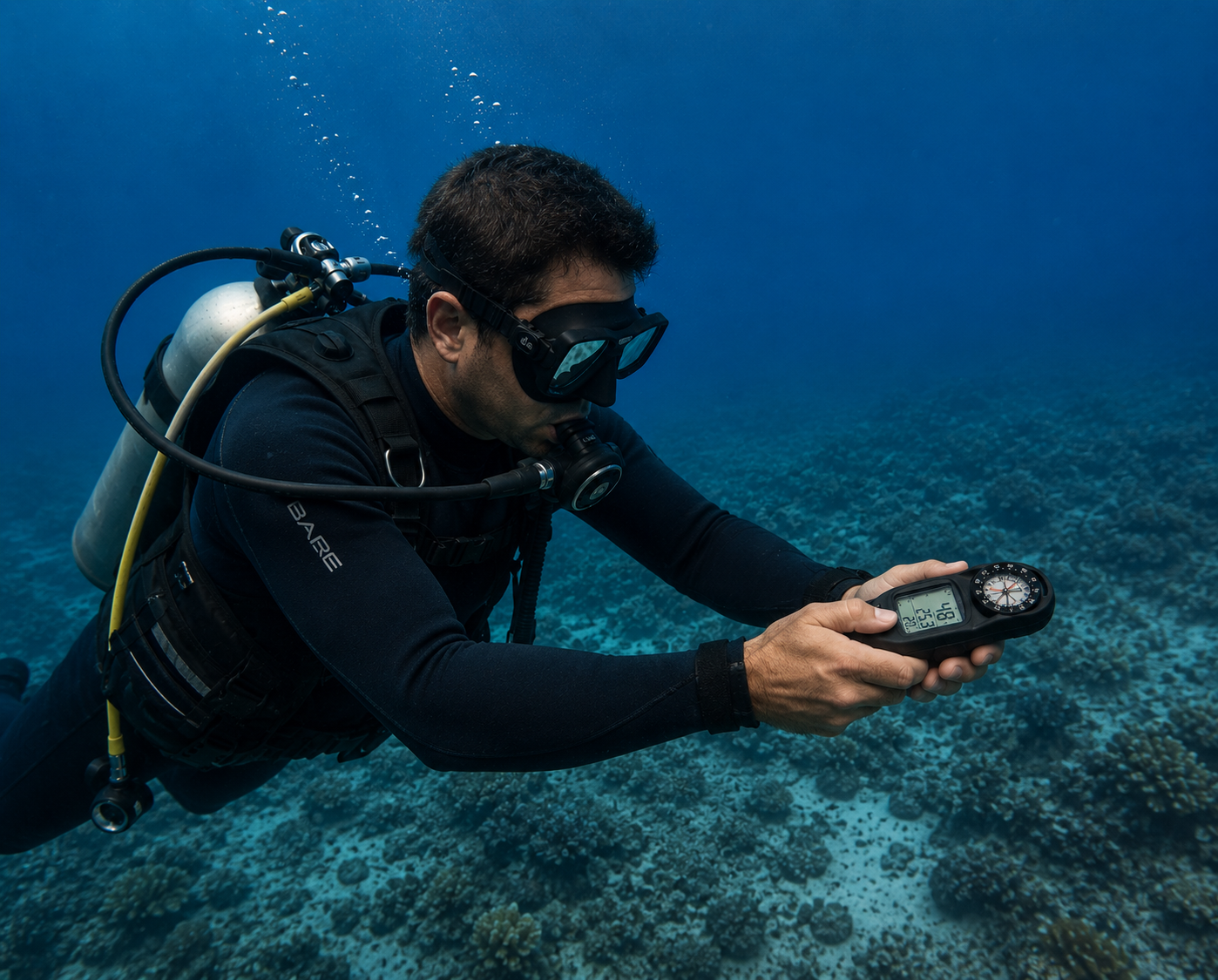
Head up displays, like the Halcyon SYMBIOS HUD, include a compass and allow also hands free navigation. For precise navigation it is essemtial, to orient the HUD towards the heading direction.
Introduction
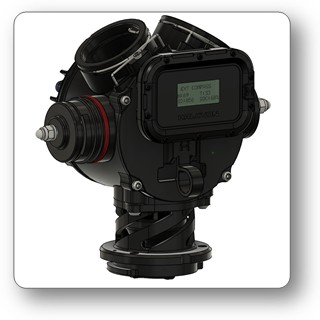
This patented device enables a new kind of navigation. The body compass is mounted in a fixed position in respect to the longitudinal body axis. It can be installed on the back side of the BOV of the Halcyon SYMBIOS CCR or alternatively also mounted on other diving equiment.
Preparation of the Device
Turning on
Press and release the button to start the devicve.
Turning off
Long press the button to enter the menu.
Short press the button until the bottom line of the diusplay shows "SLEEP".
Long press the button to enter the low power sleep mode.
Note: The Compass does not switch off by itself.
Calibration
Long press the button to enter the menu. "CALIBRATION" will be displayed in the lower line. Long press the button to start calibration mode. Move the device in a "Figure 8" for 1-2 minutes to perform the calibration.
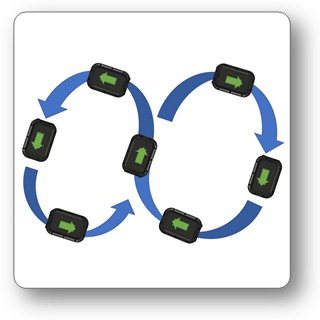
Alternatively a calibration can be achieved by turnind the device in all directions (around all its axis).
Charging
The Body compass is charged with a magnetic USB charger. Use a 5V USB outlet to charge the device. The charging port is on the back side of the device.
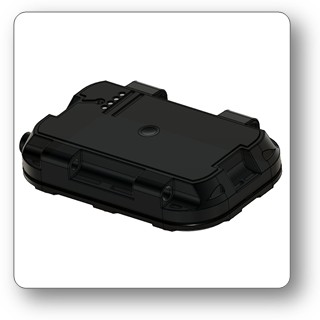
Calibration accuracy can be improved, when the whole system, including the mount, BOV, etc is moved in a "Figure 8".
Mounting of the device
Mount the device in a fixed position parallel to the longitudinal axis of the diver. One suitable position is the back of the BOV of the Halcyon Symbios.
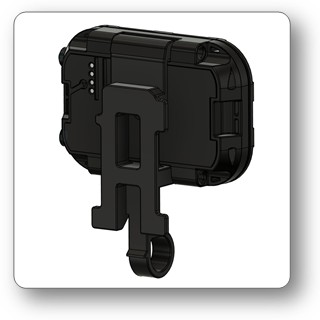
Clamp for the Body Compass:
Body Compass mounted on the back of a Halcyon Symbios BOV:
Preparation
Once the compass is calibrated it can be paired with the SYMBIOS HUD or Handset. (menu/SETTINGS/PIARING/COMPASS)
Diving
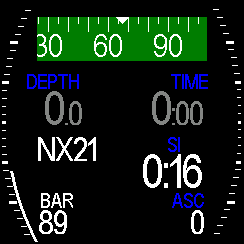
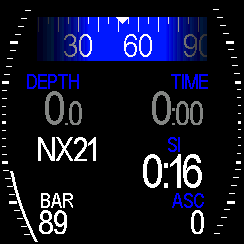
When the diver is in +-45° trim, the dive computer will replace the on board heading information with the heading from the Body Compass. This is easily visible, as the color of the background of the compass scale changes.
Screen when the diver is in +-45° trim and the heading of the body compass is used:
In upright position (for instance when the diver is on the surface and is looking around), the dive computer displays the heading information of the inbuilt compass:
Specifications
- Size: 94x64x19mm
- Weight: ~120 g
- Depth rating: 120m
- Frequency: 125 kHz
- Transmission range: up to 90 cm
- Transmission method: magnetic
- Transmission interval: once per second
- Battery: 4.2V 450mAh, rechargeable Li-ION battery
- Charging: Magnetic USB cable, 5V, 300mA